Why CRM lead-source data goes missing (and how to find the break)
Diagnose why CRM lead-source fields become blank, Direct, or wrong by checking each handoff from landing page to form and CRM.
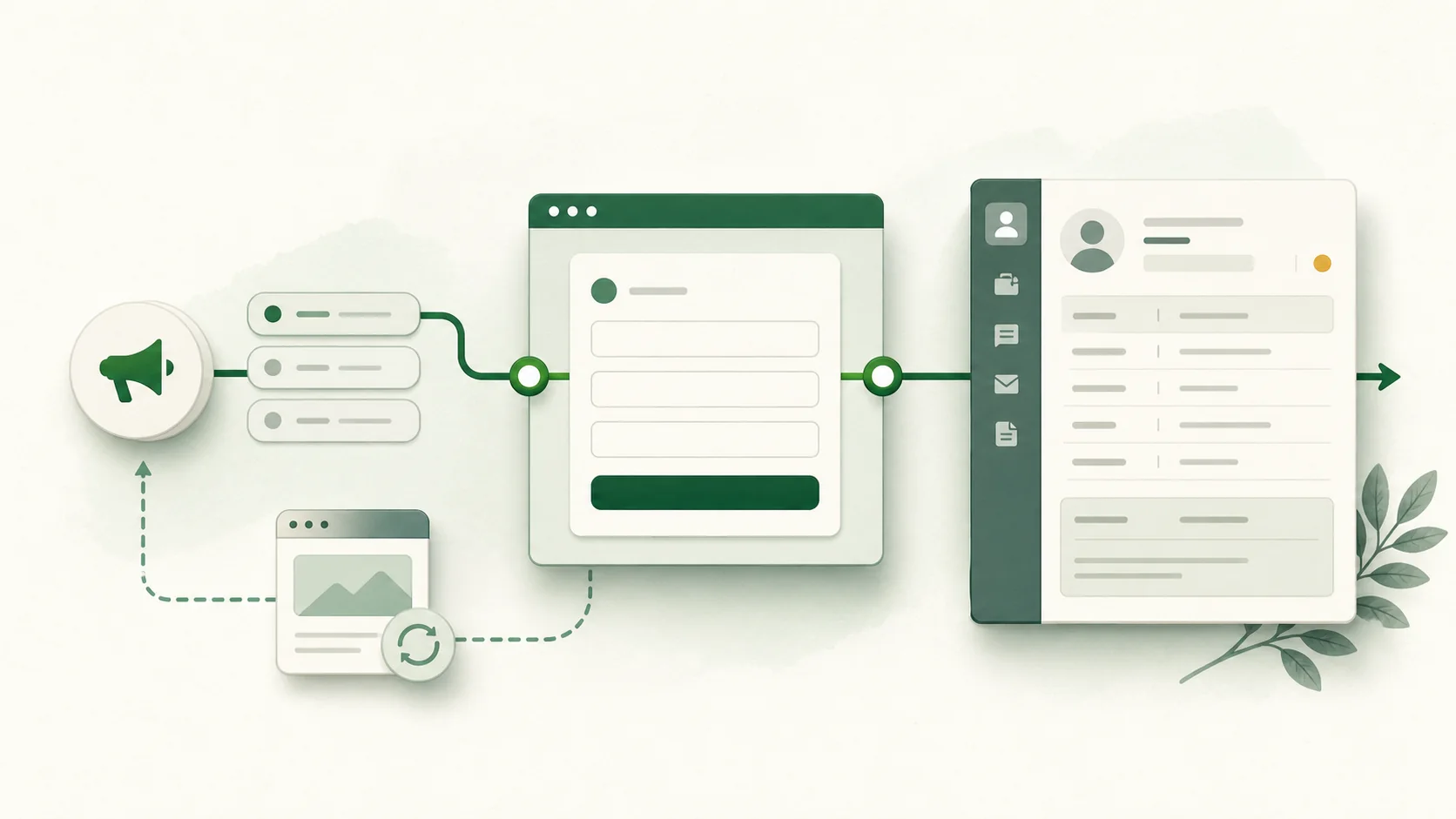
The problem in plain English
A person clicks your ad and fills out a form. But when the lead appears in your CRM, the source is blank, says Direct, or shows the wrong campaign. Your team can see the lead, but not what brought the person to your website.
This happens because the source details must pass through four steps:
- The person lands on your website.
- Your website remembers the source details.
- The form sends those details.
- The CRM saves them in the correct fields.
If any step fails, the CRM receives incomplete information. The CRM cannot recover details it never received.
The solution in plain English
Test one lead from start to finish. Use a test campaign link, submit the real form, and compare what appears at each step. The first place where the source disappears is the place you need to fix.
What “missing” lead source actually means
Teams often group several failures under the same complaint:
- Blank: no source value reached the destination field.
- Direct: the system saw a visit without a usable referrer or campaign signal.
- Wrong: a later interaction, default rule, or field mapping replaced the expected source.
- Too broad: “Paid search” arrived, but campaign, ad, keyword, or landing-page detail did not.
First decide which problem you have. A blank value usually means the website did not save or send the source. A value that starts correctly and changes later usually means a CRM workflow or import replaced it.
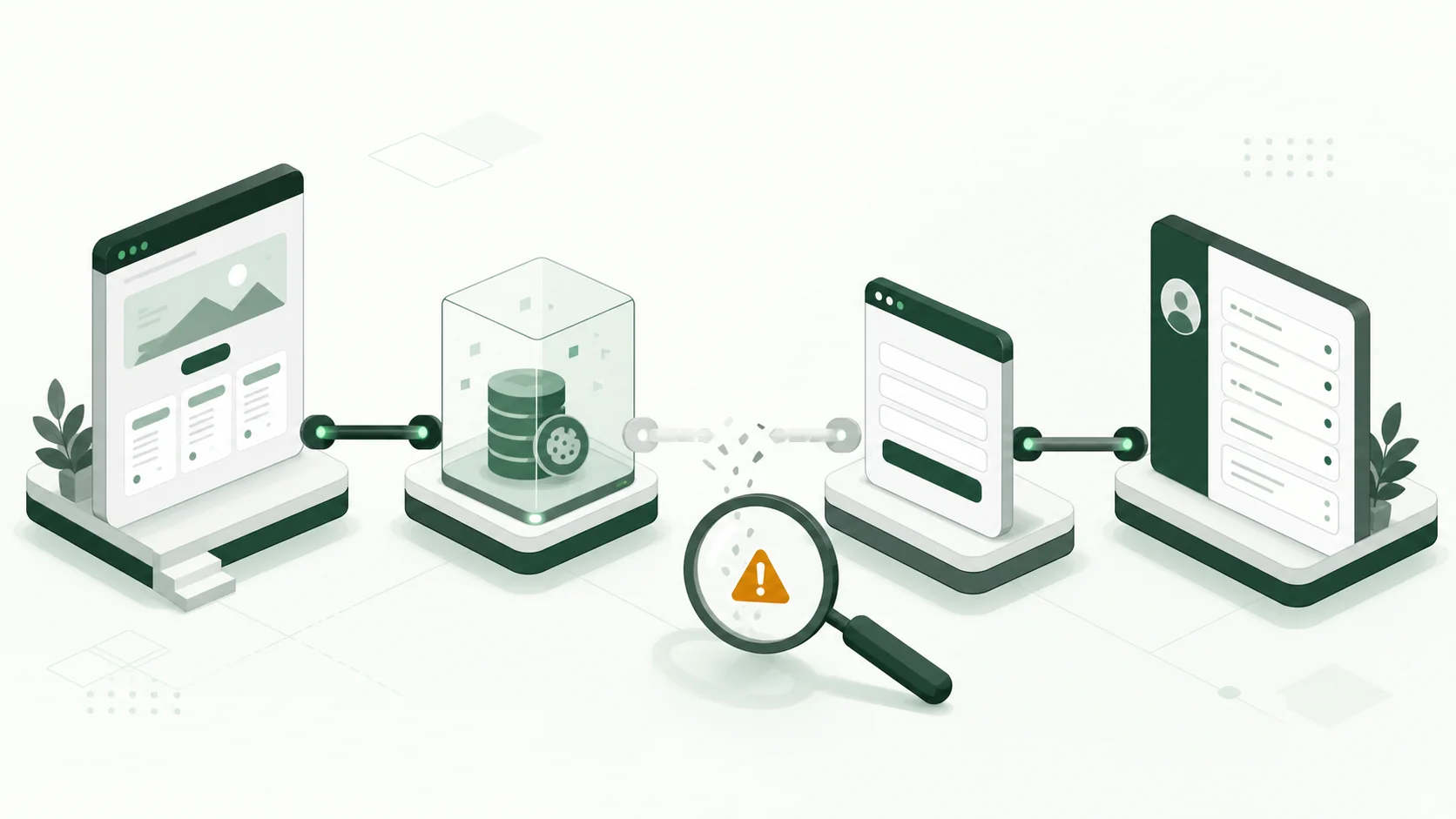
The four places lead-source data breaks
1. The campaign details never reach the landing page
Open the exact destination URL used in the campaign. Confirm that its parameters survive every redirect and that the final page loads the measurement code you expect. A redirect, link shortener, consent state, or malformed URL can remove context before your site has a chance to capture it.
For manually tagged campaigns, Google documents utm_source, utm_medium, and related campaign parameters as the inputs used to identify traffic. Consistent naming matters because linkedin, LinkedIn, and linkedin.com can become separate values in downstream reports. See Google’s campaign URL guidance.
2. The visitor leaves the page that contains the UTMs
Many implementations read UTMs only from the page URL at submission time. That succeeds when someone lands and converts immediately. It fails when the visitor:
- opens another page before submitting;
- leaves and returns through a bookmark or direct visit;
- uses a form embedded on an untagged page;
- crosses to another domain without an intentional handoff.
By the time the person submits the form, the URL may no longer contain the UTMs. Save those values on your own website when the person first arrives, then add them to the form later. Follow the guide to preserve UTM parameters across pages.
3. The form does not send the fields
A field can exist in the browser and still be absent from the request. Inspect the actual network payload when the form submits. Look for the exact source, medium, campaign, landing page, referrer, and click-ID field names you intended to send.
Common causes include empty hidden fields, a form embedded from another website, or a form tool that rejects fields it does not recognize. Our guide to tracking the source of form submissions lists the fields to save and shows how to test them.
4. The CRM mapping or automation changes the value
If the form request contains the correct value but the CRM does not, check what happens after the form is sent. Make sure each form field points to the right CRM field. Then check imports, integrations, and automated workflows. Existing contacts may follow different update rules from new contacts.
If the value is correct when the lead is created and changes later, another tool is replacing it. Use the CRM lead-source overwrite guide to protect the original values.
A 20-minute diagnostic workflow
Use a new email address so an existing CRM record cannot affect the test.
- Build a tagged test URL with unmistakable values such as
utm_source=qa_sourceandutm_campaign=qa_2026_08_03. - Record the final landing URL after redirects.
- Browse to at least one untagged page, then submit the supported form.
- Save the form request payload from browser developer tools.
- Open the new CRM record and compare field values.
- Recheck the record after workflows and integrations have run.
You now have three things to compare: the landing URL, the form request, and the CRM record. The first place where the value changes tells you where to fix the problem.
| Arrival URL | Form payload | CRM record | Most likely issue |
|---|---|---|---|
| Missing | Missing | Missing | Campaign URL, redirect, or consent setup |
| Present | Missing | Missing | Persistence or form population |
| Present | Present | Missing | Connector or CRM field mapping |
| Present | Present | Initially correct, later wrong | Workflow, import, or enrichment overwrite |
Which fields are worth preserving?
Save the original values first. You can group them into reporting channels later. A useful record normally includes:
- first-touch
utm_source,utm_medium,utm_campaign,utm_content, andutm_term; - supported advertising click IDs;
- original landing page and referrer;
- converting page and conversion time;
- when the source was saved and which version of your tracking setup saved it.
Keep the original values alongside grouped fields such as “Paid social.” This lets you change your reporting rules without losing the source data. One generic lead_source field cannot reliably answer both “what first brought this person here?” and “what brought them back when they submitted the form?”
Why analytics and CRM numbers differ
Analytics tools, ad platforms, and CRMs measure different moments. Google Analytics can report the first visit, the current visit, or the event that converted. Your CRM may store only the first known source. These numbers do not always match, and that does not automatically mean one is broken. Google explains these different views in its traffic-source dimensions documentation.
Do not force every system to show the same number. Decide what each field means, save the values needed for that meaning, and test the full journey.
What an attribution tool will not fix
No capture tool can repair a campaign URL that was never tagged, a CRM field that is deliberately overwritten, or a consent policy that prohibits the collection you planned. It also cannot turn one source field into a defensible multi-touch revenue model.
TraceSig has one focused job: remember the original source details on your website and add them to supported form submissions. Your existing CRM can then save and report on those details. Review the current integration options before planning a rollout.
Frequently asked questions
Why does a paid lead show as Direct in the CRM?
The visitor may have returned without campaign parameters, submitted on another page, or been classified by the final visit rather than the first known visit. Compare the original landing evidence with the submission payload before changing the CRM.
Should lead source be first touch or last touch?
Store both when the distinction matters. Use separate, clearly named fields such as first_utm_source and converting_utm_source; do not make one field carry two definitions.
Can hidden form fields solve missing attribution?
They can carry known values into a submission, but they still need a reliable value to populate. Reading only the current URL does not preserve an earlier visit.
How can I tell whether the CRM caused the issue?
Inspect the form request. If it contains the expected value and the CRM does not, the problem is downstream of the browser. If the request is already missing the field, debug capture and form population first.
How often should attribution be tested?
Repeat the test after changing forms, cookie consent, redirects, tag managers, CRM workflows, or integrations. If your setup rarely changes, test it at least once every three months.
Use the ungated Lead Source Breakpoint Checklist to record each handoff, payload, mapping, and post-workflow result.
The fastest route to trustworthy source data is not a new dashboard. It is a traceable chain of evidence from arrival to submission to CRM.